 中文(繁體)
 中文(简体)
 English

ICT Curriculum in Hong Kong International Primary Schools: What Do Students Learn?
TUTORZONE SUBJECT GUIDE · INTERNATIONAL PRIMARY SCHOOL
A practical guide to what students learn in the ICT curriculum at Hong Kong international primary schools—from digital literacy and everyday computer skills to coding, robotics, and safe, responsible online behaviour.
Direct Answer:What do students learn in ICT lessons at Hong Kong international primary schools?
ICT lessons cover digital literacy, everyday computer skills, coding, robotics, and safe, responsible online behaviour.
Share this paper / article:
WhatsApp
Facebook
Telegram
Email
WeChat / Xiaohongshu: tap “Copy link” and paste.
Core Goals of the ICT Curriculum: Building Digital Literacy and Innovation
The ICT curriculum in Hong Kong’s international primary schools is designed with clear objectives, including:
Enhancing Digital Literacy
As technology evolves, students must develop essential digital skills to thrive in both academic and professional settings. This includes mastering digital tools, understanding online safety and data privacy, and developing the ability to critically analyze and use digital information.
Fostering Creative and Innovative Thinking
ICT lessons encourage students to explore creative solutions using technology. By engaging in digital creation and problem-solving tasks, students learn how to turn innovative ideas into tangible outcomes.
Developing Collaboration and Communication Skills
In digital environments, teamwork and communication are crucial. ICT classes emphasize how to effectively use digital tools to collaborate with peers and educators—skills that are essential in the modern workplace.
Fundamental Digital Skills: From Basic Operations to Everyday Tools
At the foundational level, students learn how to use computers and digital devices—a prerequisite for more advanced ICT learning.
Basic Computer Operations
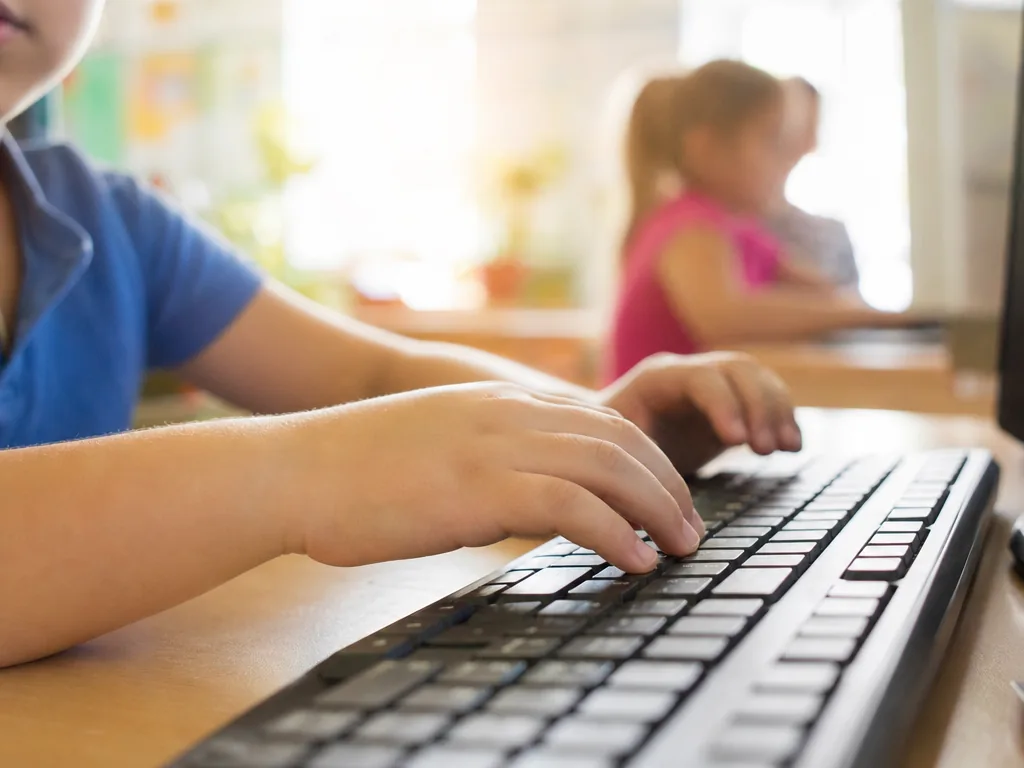
Students become proficient in using operating systems, word processors (e.g., Microsoft Word), and presentation tools (e.g., PowerPoint). They also learn how to use keyboards, mice, and touchscreens correctly—key to completing schoolwork and projects efficiently.
Email and Web Tools
Students are introduced to email communication and online research techniques, equipping them to find academic resources and interact effectively online.
Multimedia Applications
Basic video editing, image manipulation, and audio recording are also covered. These skills empower students to express their creativity in diverse formats.
Programming and Robotics: From Basic Coding to Creative Projects
Programming is becoming a central element of modern education. Many international schools in Hong Kong incorporate coding and robotics into their primary ICT curriculum.
Visual Programming (e.g., Scratch)
Students use block-based coding platforms like Scratch to create simple games, animations, and interactive stories. These tools visually illustrate programming logic, making it more accessible and engaging.
Educational Robotics
Schools often introduce basic robotics courses, where students assemble and program robots. Through hands-on learning, they gain foundational knowledge in engineering and problem-solving.
Creative Coding Projects
Students apply what they’ve learned in real-world scenarios by completing projects like programming a robot to complete tasks or designing digital games—fostering both technical skills and creativity.
Data Handling and Analysis: Understanding and Using Information
In a data-driven world, learning how to manage and analyze information is essential. Primary ICT classes equip students with basic data skills:
Data Collection and Organization
Students learn to use spreadsheet tools like Excel to gather, organize, and visualize data using charts—enhancing their mathematical and analytical thinking.
Basic Data Analysis
They also practice extracting meaningful insights from data, helping them understand how data is used across industries and in daily decision-making.
Cybersecurity and Digital Citizenship: Navigating the Online World Safely
As students spend more time online, understanding internet safety and digital ethics is crucial. ICT curricula in Hong Kong international schools integrate digital citizenship education:
Online Safety Basics
Students learn how to protect their personal data, recognize online threats like phishing and viruses, and use secure practices when browsing or sharing information.
Digital Ethics and Responsibility
They are taught to be responsible digital citizens—respecting others online, following internet rules, safeguarding privacy, and using social media appropriately.
Collaboration Tools and Online Learning Platforms: Enhancing the Learning Experience
With the rise of e-learning, many international schools introduce students to digital collaboration and learning platforms as part of their ICT lessons.
Cloud Collaboration Tools
Students become familiar with platforms like Google Drive and Microsoft OneDrive for file sharing and group work—enabling seamless collaboration with classmates and teachers.
Learning Management Systems (LMS)
Platforms such as Google Classroom are used to access resources, submit assignments, and participate in discussions—extending learning beyond the classroom.
Conclusion: Laying the Foundation for a Digital Future
In summary, ICT curricula at most international primary schools in Hong Kong aim to provide students with a well-rounded set of digital skills. From mastering everyday tech tools to understanding how technology works and applying it creatively, these lessons prepare students for academic success and future career paths.
In a world increasingly shaped by technology, strong ICT skills are a cornerstone of lifelong learning and innovation.
Frequently Asked Questions (FAQ)
Q: At what age do students start learning ICT in Hong Kong international primary schools?
Most schools introduce foundational digital skills—keyboard and mouse use, basic tools, and simple online safety—in the early primary years, building up to coding and robotics in the upper primary levels.
Q: Does my child need a computer at home for ICT lessons?
Generally not. Schools provide devices and platforms during lessons; home access mainly helps with practice and completing assignments through cloud tools such as Google Classroom.
Q: Is coding taught at every international primary school?
Most Hong Kong international schools incorporate some form of visual programming—commonly Scratch—into the curriculum, though the depth and starting year can vary from school to school.
Q: How is online safety covered in the curriculum?
Through digital citizenship lessons that teach personal-data protection, how to recognize threats like phishing and viruses, and how to behave responsibly and respectfully online.
Further Resources & Next Steps
- Official Resources——The Education Bureau (EDB) of the HKSAR publishes Information Literacy and IT-in-Education guidelines that underpin school ICT planning.
- Further Reading——Common Sense Education’s Digital Citizenship curriculum offers free, age-appropriate lessons on online safety and responsibility.
- Parent Tips——Encourage supervised practice at home with free block-coding platforms such as Scratch to reinforce what your child learns in class.
Note: The information above is for reference only. Please consult professional education institutions for details.
This article was initially drafted and organised with AI. Editor / Professor Chan Kwok-wai; Managing Editor / Kong Yee-leung
Act Now: Find a Tutor / Register as a Tutor
For parents & students: looking for a home or online tutor for this subject? Click the button below to post a free tuition case (subject, level and preferred time) — TutorZone will match you with suitable tutors:
For tutors: do you teach this subject? Click the button below to register for free and receive more suitable cases — you pay only when a match is made: