 中文(繁體)
 中文(简体)
 English


Primary Design and Technology (D&T) in Hong Kong: Curriculum Guide for Parents and Educators
TUTORZONE SUBJECT GUIDE · LOCAL PRIMARY SCHOOL
Design and Technology (D&T) in Hong Kong primary schools is an emerging subject that nurtures students’ creativity, practical problem-solving, and hands-on skills. Closely linked with STEM education, it equips students with the mindset and skills to tackle real-world challenges through design thinking, prototyping, and technological innovation.
Direct Answer:What is Design and Technology in Hong Kong primary schools?
It is an emerging subject nurturing creativity, practical problem-solving, and hands-on skills, closely linked with STEM education.
Share this paper / article:
WhatsApp
Facebook
Telegram
Email
WeChat / Xiaohongshu: tap “Copy link” and paste.
Subject Positioning and Key Features
D&T is not a stand-alone core subject in all schools, but it is increasingly integrated into General Studies, Computer Literacy, Visual Arts, or STEM-focused lessons and extracurricular activities.
Core Features of Primary D&T
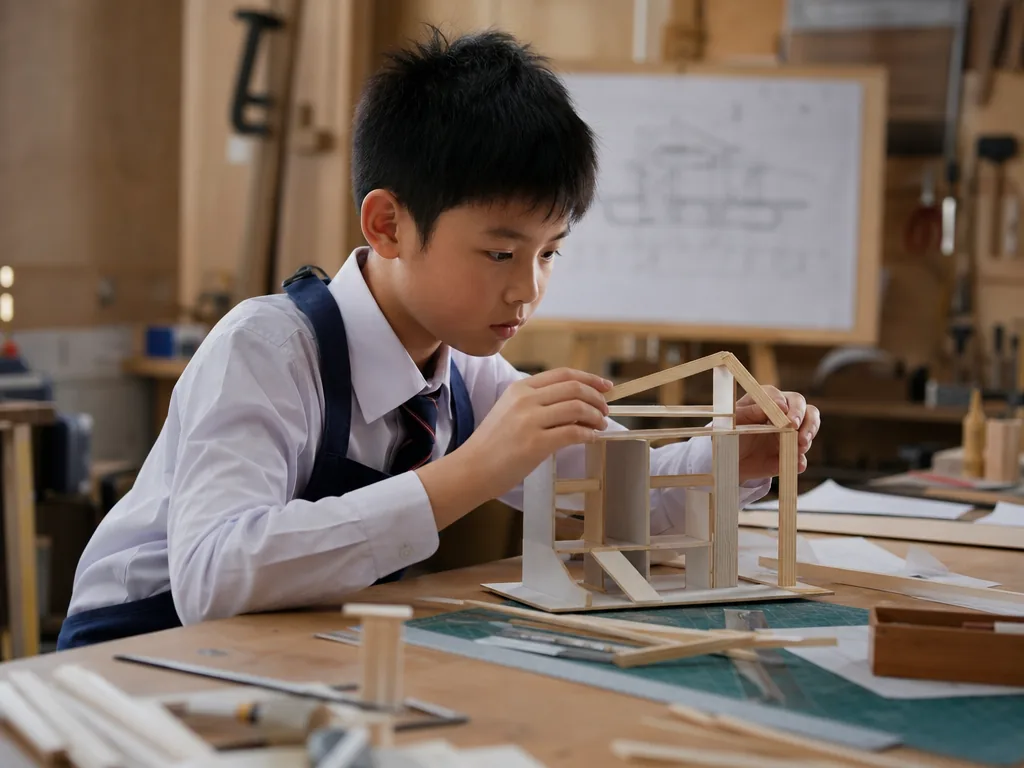
- Hands-on, Project-based Learning——From building models to programming simple devices, students learn by making.
- Design Thinking Focus——Emphasizes the cycle of empathizing, defining problems, ideating, prototyping, and testing.
- Technology Integration——Uses tools like micro:bit, LEGO SPIKE, 3D printers, and basic coding platforms.
- Sustainability and Everyday Relevance——Encourages eco-friendly designs and solving daily life problems.
Curriculum Structure and Example Activities
| Grade Level | Project Examples | Skills Developed | Learning Format |
|---|---|---|---|
| P1–P2 | Paper model bridges, balloon-powered cars | Fine motor skills, creativity, teamwork | Craft-based, simple guided builds |
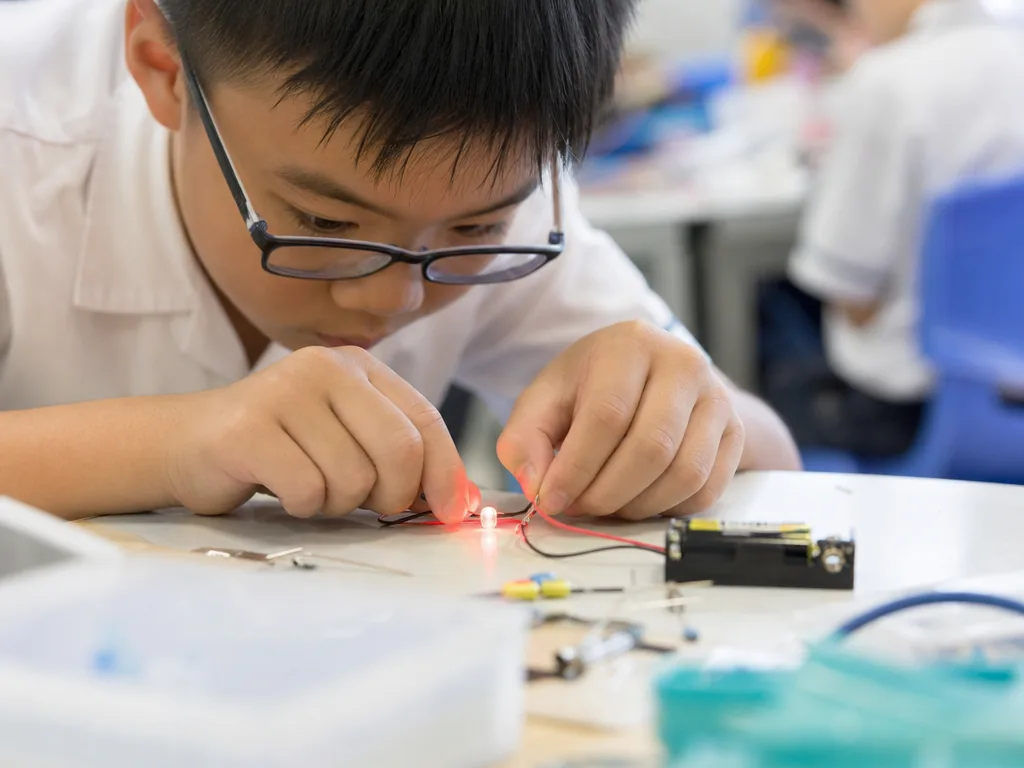
| P3–P4 | Mini wind turbines, simple circuits | Basic engineering, energy concepts, iteration | Theme-based design tasks |
| P5–P6 | Smart home prototypes, 3D product design | Coding logic, user-centered design, electronics | Group project + digital tools |
Many schools integrate coding, robotics, AI exploration, and maker challenges into D&T activities.
Teaching Approaches and Assessment Methods
| Assessment Type | Examples | Focus |
|---|---|---|
| Design Portfolios | Sketches, plans, reflection journals | Creativity, planning, self-evaluation |
| Project Prototypes | Physical models, working circuits | Functionality, innovation, use of materials |
| Presentation & Peer Review | Group pitch, design sharing sessions | Communication, critical feedback skills |
| Digital Submissions | Coding projects (Scratch, micro:bit), 3D models | Technical execution, logic and accuracy |
Most schools focus on process-based assessment rather than traditional written exams.
Common Challenges and Support Strategies
| Student Challenge | Support Tips |
|---|---|
| Lack of design inspiration | Provide real-life scenarios to solve (e.g. eco lunchbox redesign) |
| Weak hands-on skills | Use modular kits (e.g. LEGO, Strawbees) to scaffold building tasks |
| Difficulty with coding | Start with visual programming like Scratch or MakeCode |
| Fear of failure or breaking things | Normalize trial-and-error as part of the design process |
Home Support and Enrichment Ideas
How Parents Can Support D&T Learning
- Build a mini maker space——Set up a home corner with recyclable materials and basic tools.
- Encourage DIY challenges——Invite kids to make a marble run or hand fan.
- Watch STEM DIY videos together——Try channels such as Mark Rober, Tinker Class and Little Inventors.
- Attend maker events——Join family-friendly maker events and STEM expos.
Recommended Resources
| Platform | What It Offers | Best For |
|---|---|---|
| Tinkercad | 3D design, electronics simulation | P4–P6, beginners in design |
| Scratch / MakeCode | Visual programming for interactive designs | Coding + device control |
| InnoCarnival / MakerBay HK | Local hands-on exhibitions & workshops | Weekend family learning |
Bridging to Secondary and Beyond
Future Curriculum Pathways
- Junior Secondary——Technology & Living, Computer Literacy, Design & Technology.
- Senior Secondary (DSE)——ICT, Design and Applied Technology, Physics.
Career and Creativity Foundation
- Early interest——Cultivates curiosity in engineering, product design, architecture, green tech, and AI innovation.
Actionable Tips for Schools and Families
- Promote “learn by doing”——Foster a making culture over rote knowledge.
- Connect to real problems——Link design tasks to community issues, such as “Design a smart bin for school”.
- Enter competitions——Encourage students to join STEM and design competitions, e.g. Little Inventor Challenge or the Robotic STEM Fair.
- Celebrate iteration——Reward improvement and refinement, not just perfect results.
Frequently Asked Questions (FAQ)
Q: What is Design and Technology in primary school?
It is an emerging, hands-on subject that nurtures creativity and practical problem-solving. Rather than sitting as a stand-alone core subject everywhere, it is typically woven into General Studies, Computer Literacy, Visual Arts or STEM-focused lessons, where students learn through design thinking, prototyping and simple technology.
Q: How can I support STEM and D&T at home?
Set up a mini maker space with recyclable materials and basic tools, encourage DIY challenges such as a marble run or hand fan, watch STEM DIY videos together, and join family-friendly maker events and STEM expos.
Q: What are the best D&T project ideas for kids in Hong Kong?
Age-appropriate ideas include paper model bridges and balloon-powered cars for P2, mini wind turbines and simple circuits for P4, and smart-home prototypes or 3D product designs for P6. Platforms like Tinkercad, Scratch and MakeCode support these at home.
Q: Which Hong Kong primary school STEM competitions can my child join?
Look into the Little Inventor Challenge and the Robotic STEM Fair, and keep an eye on local hands-on events such as InnoCarnival and MakerBay HK workshops, which are ideal for weekend family learning.
Further Resources & Next Steps
- Official Resources——Visit the Education Bureau (EDB) official website at edb.gov.hk for the latest curriculum updates.
- Further Reading——Explore Tinkercad for 3D design and Scratch / MakeCode for visual programming.
- Parent Tips——Start small: a mini maker space and one DIY challenge a week build lasting confidence.
Note: The information above is for reference only. Please consult professional education institutions for details.
This article was initially drafted and organised with AI. Editor / Professor Chan Kwok-wai; Managing Editor / Kong Yee-leung
Act Now: Find a Tutor / Register as a Tutor
For parents & students: looking for a home or online tutor for this subject? Click the button below to post a free tuition case (subject, level and preferred time) — TutorZone will match you with suitable tutors:
For tutors: do you teach this subject? Click the button below to register for free and receive more suitable cases — you pay only when a match is made: