
 中文(繁體)
 中文(简体)
 English



3ds Max
TUTORZONE SUBJECT GUIDE · COMPUTER
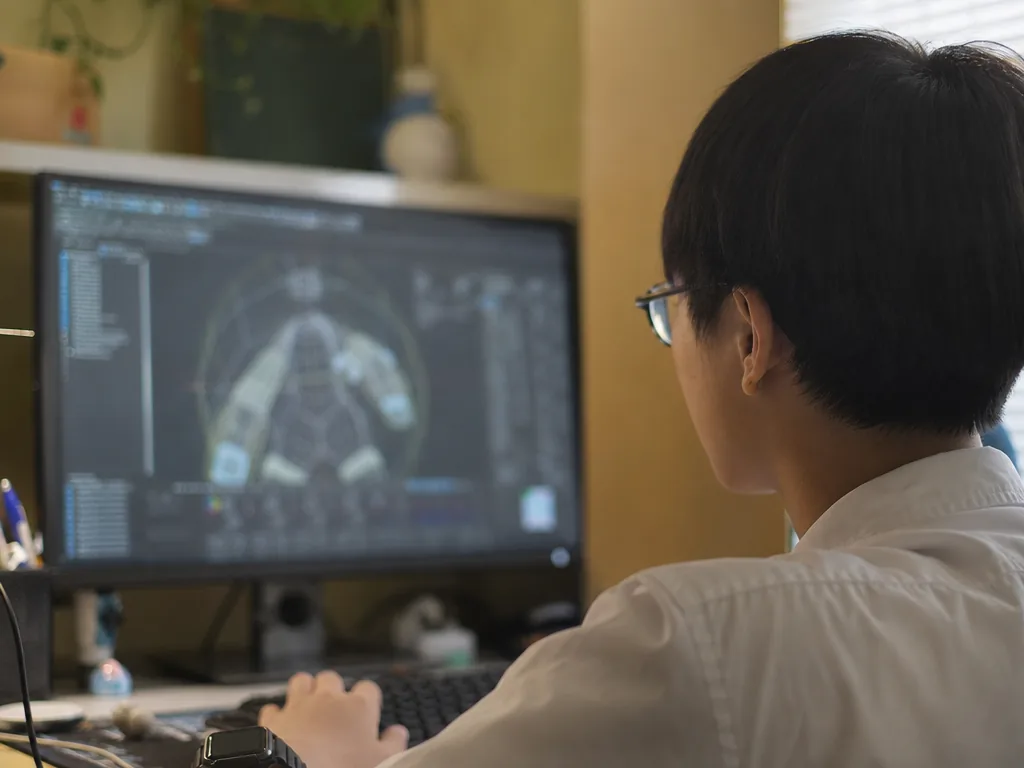
3ds Max (often shortened to 3D Max) is professional 3D design software developed by Autodesk, widely used in architectural visualization, animation, game design, and film production. This guide covers its main functions, application areas, and advantages — plus how to use it for 3D design and animation.
Direct Answer:What is 3ds Max?
3ds Max is Autodesk’s professional 3D design software for architectural visualization, animation, game design, and film.
Share this paper / article:
WhatsApp
Facebook
Telegram
Email
WeChat / Xiaohongshu: tap “Copy link” and paste.
What Is 3ds Max?
3ds Max is a powerful 3D modeling, animation, and rendering software with a wide range of tools and features for creating detailed 3D models, realistic scenes, animations, and visual effects. Due to its powerful features and easy-to-use interface, 3ds Max has become the tool of choice for many professional artists and designers.
3ds Max is a Windows-based 3D modeling, animation, rendering, and visual effects software. Originally developed by Kinetix (later acquired by Autodesk), it has become one of the most widely used 3D design software in the world. It can be used for everything from simple modeling to complex animation and physics simulations.
Whether in architecture, product design, film, or game development, 3ds Max provides powerful features to realize creative ideas and designs.
Main Functions and Features
3D Modeling
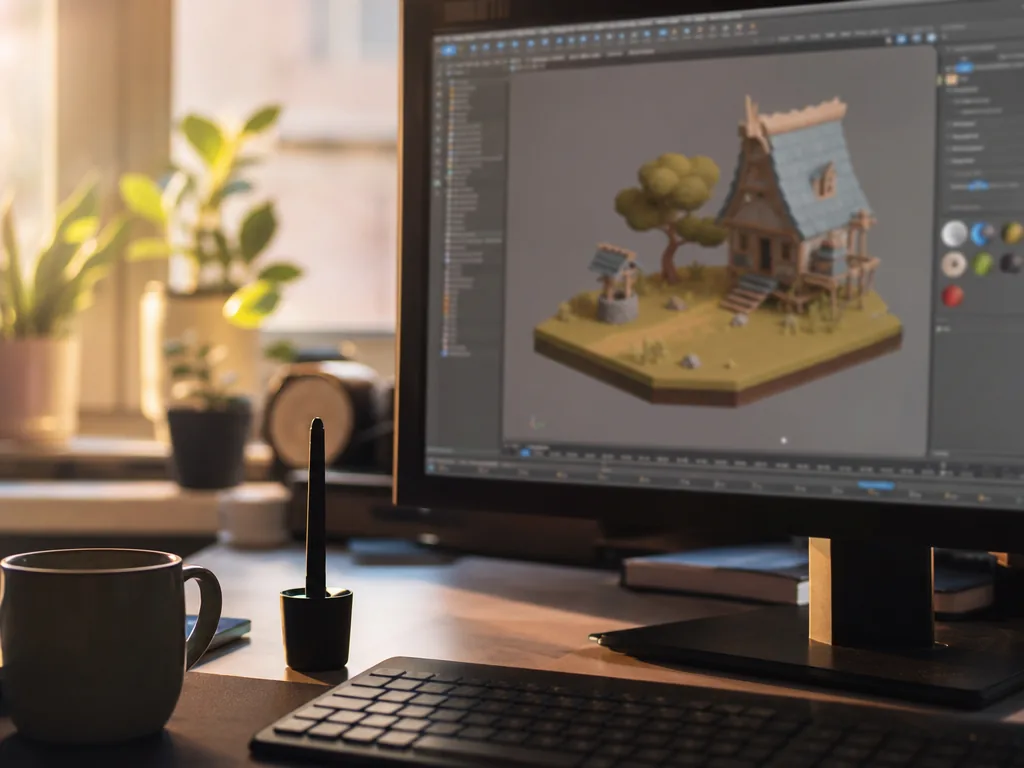
3ds Max offers a wide range of modeling tools, supporting everything from simple geometric shapes to complex organic models. Common modeling techniques include polygonal modeling, NURBS (Non-Uniform Rational B-Splines), and spline modeling. These tools help users create a wide variety of 3D models, whether they are buildings, people, or products.
Animation Creation
3ds Max provides advanced animation tools, including joint and skeletal animation, shape animation (morphing), path animation, particle systems, and dynamic simulation. Users can create character animation, mechanical movement, and environmental animation, and control the playback of animation through the timeline.
Rendering
3ds Max supports multiple rendering engines, including the built-in Arnold renderer, which can be used to create high-quality rendered images. These rendering engines can help users produce realistic lighting effects, reflections, refractions, and more, and support multi-layer rendering, post-processing, and high dynamic range imaging (HDRI).
Materials and Textures
3ds Max has powerful material and mapping tools, supporting a variety of map types (such as bitmaps and procedural maps) as well as realistic material settings (such as gloss, roughness, and reflection). Users can apply a variety of materials and maps to their models, enhancing the realism of their work.
Physics Simulation
3ds Max provides a physics engine that can be used to simulate real-world physical behaviors, such as gravity, collisions, fluids, and cloth. These physical simulation functions make animations more realistic and help designers create dynamic effects that conform to the laws of physics.
Dynamic Particle Systems
3ds Max has a powerful particle system that can be used to create natural phenomena such as fire, smoke, rain and snow, as well as complex explosions, splashes, and liquid effects. These particle systems are often used for special effects in movies and games.
Scripting and Plugins
3ds Max supports scripting and third-party plug-in extensions. Users can write automated processes using MAXScript or Python, or download and install a variety of plug-ins to extend its functionality. This allows 3ds Max to be customized to meet specific needs.
Application Areas
Architectural Visualization
3ds Max is one of the most widely used tools in architectural design and urban planning. Architects and designers use it to create realistic building models, interior and exterior renderings, and virtual tours, helping clients and developers better understand design concepts.
Game Development
Game developers use 3ds Max to create 3D objects such as game characters, props, and scenes. These models and animations can be directly imported into game engines like Unity or Unreal Engine, making 3ds Max the tool of choice for many game development companies.
Film and Animation
In film and television animation, 3ds Max is used to create characters, special effects, and animated scenes. Its efficient rendering engine and physical simulation capabilities enable the production of realistic visual effects such as explosions, smoke, and fire.
Product Design
In product design, 3ds Max is used to create accurate product prototypes and 3D models and to visualize them, helping designers and engineers evaluate and improve designs.
Why Choose 3ds Max?
- Powerful features——3ds Max has a comprehensive range of 3D modeling, rendering, and animation tools, making it one of the most popular professional design software in various industries. From modeling to rendering to physical simulation, 3ds Max provides a complete workflow.
- Easy to learn and use——Compared to other 3D design software, 3ds Max’s interface is considered relatively intuitive and easy to use. While it boasts powerful features, even beginners can quickly learn the basics and gradually master more advanced features.
- Rich resources and community support——Since 3ds Max is widely used in professional fields, there are a large number of tutorials, plug-ins, and model libraries on the Internet. These resources can help users improve their learning efficiency and solve problems encountered in the design process.
- High scalability——3ds Max supports scripting and plug-in installation, which makes it extensible according to different needs. Users can write automated processes or use third-party plug-ins to add new functions and effects.
Conclusion
3ds Max is a powerful and versatile professional 3D design software suitable for a wide range of 3D fields, including architecture, game development, and filmmaking. Its powerful modeling tools, advanced animation and rendering engines, and extensive resources and community support make 3ds Max the tool of choice for many professional artists and designers. Whether you are creating detailed architectural visualizations or animating game characters, 3ds Max provides the tools and flexibility you need.
Frequently Asked Questions (FAQ)
Q: Is 3ds Max free to use?
No. 3ds Max is commercial software sold by Autodesk on a subscription basis. However, Autodesk offers free educational licences to eligible students and teachers, which is a great way to learn the software at no cost.
Q: What are the system requirements for 3ds Max?
3ds Max runs on Windows. It benefits from a fast multi-core CPU, a dedicated graphics card, and plenty of RAM, especially for rendering and physics simulations. Always check Autodesk’s official site for the current recommended specifications.
Q: Is 3ds Max suitable for beginners?
Yes. Although it is professional software, its interface is relatively intuitive, and a wealth of online tutorials and community resources make it possible for beginners to learn the basics quickly before moving on to advanced features.
Q: How is 3ds Max different from Maya?
Both are Autodesk products with overlapping 3D modeling, animation, and rendering features. In practice, 3ds Max is especially popular in architectural visualization and game development, while Maya is more commonly used in film and character animation pipelines.
Further Resources & Next Steps
- Official Resources——Visit the Autodesk website and Autodesk Knowledge Network for official 3ds Max documentation, tutorials, and current system requirements.
- Further Reading——Explore the MAXScript and Python scripting documentation to learn how to automate repetitive tasks and extend 3ds Max with custom tools.
- Parent Tips——Encourage young learners to start with free, beginner-friendly 3D tools (such as Blender or Tinkercad) before stepping up to 3ds Max, and check whether your school qualifies for Autodesk’s free educational licence.
Note: The information above is for reference only. Please consult professional education institutions for details.
This article was initially drafted and organised with AI. Editor / Professor Chan Kwok-wai; Managing Editor / Kong Yee-leung
Act Now: Find a Tutor / Register as a Tutor
For parents & students: looking for a home or online tutor for this subject? Click the button below to post a free tuition case (subject, level and preferred time) — TutorZone will match you with suitable tutors:
For tutors: do you teach this subject? Click the button below to register for free and receive more suitable cases — you pay only when a match is made: