
 中文(繁體)
 中文(简体)
 English



Blender
TUTORZONE SUBJECT GUIDE · COMPUTER
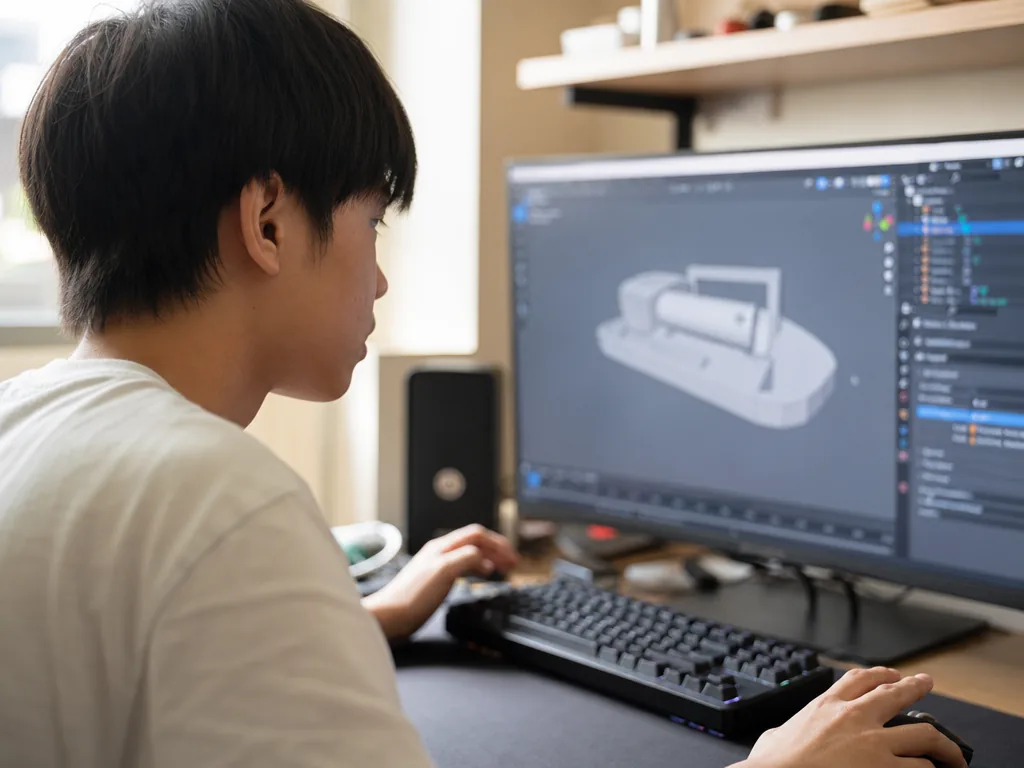
Blender is the free, open-source 3D creation suite used across film, games, animation, and digital art. This guide covers its history, key features, real-world applications, and the reasons it has become one of the world’s most popular 3D tools.
Direct Answer:What is Blender?
Blender is a free, open-source 3D creation suite used for modeling, sculpting, animation, and digital art in film and games.
Share this paper / article:
WhatsApp
Facebook
Telegram
Email
WeChat / Xiaohongshu: tap “Copy link” and paste.
What Is Blender?
Blender is a free and open-source 3D modeling, animation, rendering, and production software widely used in filmmaking, game development, animation creation, and various digital artworks. Since its launch in 1998, Blender has quickly become one of the world’s most popular 3D creation tools, thanks to its comprehensive functionality, extensive scalability, and active user community.
In this detailed explanation, we will delve into Blender’s background, features, uses, advantages, and its applications in various fields.
History
How Blender went from an in-house tool to the world’s leading open-source 3D suite.
Features
The modeling, animation, rendering, and VFX tools packed into one application.
Applications
Where Blender is used today, from indie films to games and product design.
Blender’s Background and Development
The Origin of Blender
Blender was originally developed by Dutchman Ton Roosendaal and his company, NeoGeo. Its goal was to provide a powerful yet affordable 3D animation and modeling tool. The first version of Blender was released in 1998 and had limited functionality.
In 2002, Blender was open sourced and subsequently developed and maintained by the Blender Foundation. This made Blender free 3D software and opened its source code, allowing developers and artists around the world to participate in improving and expanding its functionality.
Blender’s Growth and Evolution
With the growth of the open source community, Blender has continued to advance, gradually adding powerful features such as simulation, rendering, visual effects, and a game engine. Blender has evolved from a simple modeling tool to a comprehensive 3D creation platform. In particular, since version 2.5, Blender has undergone a major redesign of its user interface and functionality, making it even easier to use and more powerful.
In recent years, Blender has successfully attracted widespread support from the industry and independent producers, and has become an indispensable tool in animation production, game development, 3D modeling and other fields.
Key Features of Blender
3D Modeling
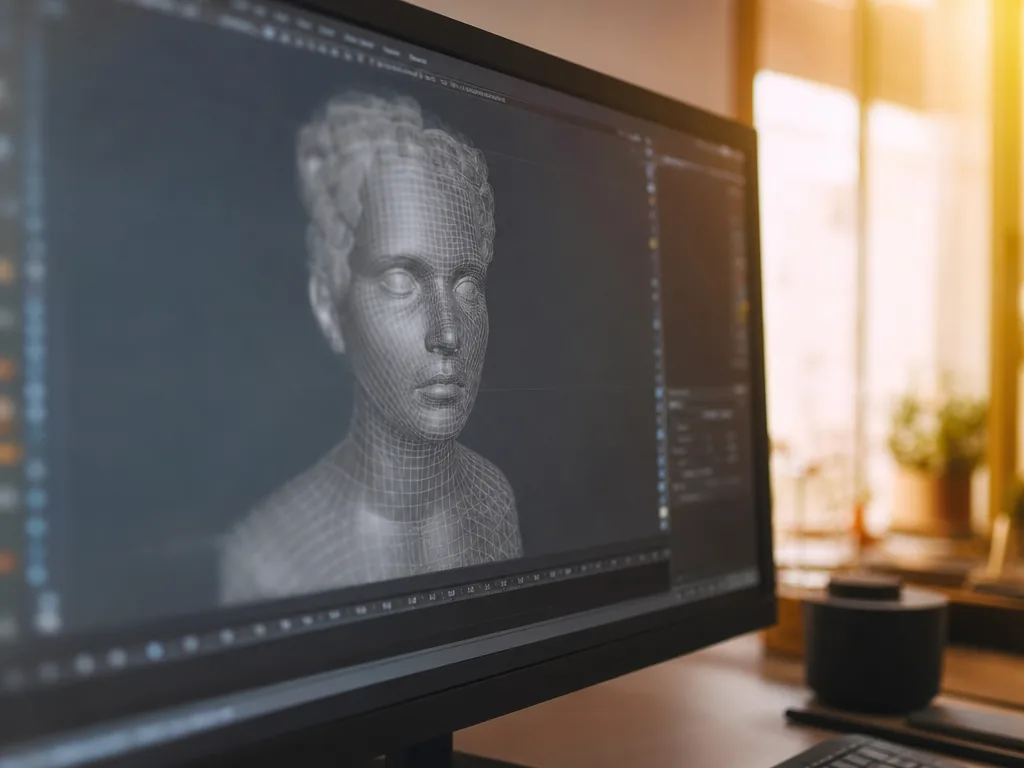
Blender offers a wide range of 3D modeling tools, from basic mesh modeling to advanced sculpting and detailing. It includes a variety of modeling techniques, such as:
- Polygonal modeling——Create 3D objects by editing vertices, edges, and faces.
- Sculpting——Used to create highly detailed objects, similar to sculpture, suitable for character design, textures, and natural object creation.
- Procedural modeling——Using code to control a model, which is useful for automation or generating specific graphical effects.
Animation Production
Blender has powerful animation capabilities that can create animations from simple to complex. It provides:
- Skeleton animation (Rigging)——Binding the skeleton (or bones) to the model to achieve the movement of characters or objects.
- Morphological transformation——The shape change of an object can be recorded as an animation, which is suitable for character expressions, shape changes, etc.
- Particle and fluid simulation——Blender supports various physical simulations such as smoke, fire, water flow and particle systems to make animations more realistic.
- Timeline and Keyframes——Ability to control the time flow of animation, set and edit keyframes.
Rendering Engine
Blender includes two main rendering engines:
- Cycles——Blender’s physically based rendering engine that supports ray tracing and GPU acceleration. It is suitable for high-quality rendering effects and is often used in animation and film production.
- Eevee——A real-time rendering engine suitable for real-time preview and game development. It can render high-quality images in a short time and supports modern graphics technologies such as SSR (screen space reflections), volumetric lighting, and specular reflections.
Visual Effects (VFX)
Blender provides a complete set of visual effects features. You can add:
- Greenscreen Tracking——Combines live-action footage with 3D models or scenes.
- Camera Tracking——Capturing camera movement and combining it with the 3D scene to achieve composite effects.
- Special effects generation——such as fire, smoke, explosions, etc., can be seamlessly integrated with other images.
Materials and Textures
Blender provides powerful material setup tools, including:
- Node Editor——Control materials, textures, lighting, etc. through nodes and achieve complex visual effects.
- UV Unwrapping and Mapping——Create accurate texture maps for 3D objects.
- PBR (Physically Based Rendering)——Supports physically based rendering material system for more realistic lighting and surface textures.
2D Animation and Drawing
Blender also supports 2D animation and hand-drawn animation. Its built-in Grease Pencil tool allows users to draw and animate 2D designs and combine them with 3D scenes. This is very useful for creating unique animation styles.
Game Development
Blender also includes a built-in game engine that can be used to create simple 3D games. It supports physics simulation, collision detection, and logic control, and can export games to various platforms.
Cross-platform Support
Blender runs on Windows, macOS, and Linux and is highly extensible. Because it is open source, developers can modify and extend Blender’s functionality as needed.
Blender’s Main Application Areas
Film and Animation Production
Blender is used by many film production companies and independent animation studios to create high-quality 3D animations, especially in short films and independent productions. Due to its powerful features, Blender has become the tool of choice for some small studios and independent producers.
Game Development
Blender is also widely used in game development, particularly for 3D modeling, environment design, character design, and animation. Although the Blender game engine itself is no longer updated, many developers use it to create assets for use in other game engines such as Unity and Unreal Engine.
Product Design and Architectural Visualization
Blender can also be used for product design and architectural visualization, helping designers create realistic 3D models and animations that can be used for presentations, merchandising, and design decisions.
Digital Art and Visual Effects
Several artists and visual effects producers use Blender to create artwork, short films, or visual effects for use in films, commercials, and web videos.
Advantages of Blender
Free and Open Source
Blender is completely free and open source, which means anyone can download, use, and modify it for free, and its source code can be used for custom development.
Comprehensive Functions
Blender offers a wide range of functions from modeling, sculpting, animation, rendering to visual effects and game development, meeting the needs of different fields without relying on additional software tools.
Strong Community Support
Blender has an active global community where developers and users share tutorials, add-ons, templates, and resources. The official Blender website offers extensive documentation and learning resources to help beginners get started quickly.
Highly Scalable
Blender supports plugins and extensions, allowing users to enhance its functionality as needed. Users can write Python scripts to automate workflows or create custom tools.
Continuous Updates and Improvements
Blender is constantly being updated and improving its functionality, with multiple new versions released each year. Each version introduces new tools and features, keeping the software modern and competitive.
Conclusion
From a humble in-house tool to the world’s leading open-source 3D suite, Blender proves that free software can rival professional-grade pipelines.
Blender is a powerful and comprehensive 3D creation software, widely used in animation, modeling, rendering, visual effects, and game development. Due to its free, open-source, cross-platform nature, and rich functionality, Blender has become the tool of choice for digital artists, animators, game developers, and designers worldwide. For those interested in learning 3D design and animation, Blender is an excellent starting point, and its open-source nature allows for greater flexibility and freedom in the learning and creative process.
Frequently Asked Questions (FAQ)
Q: Is Blender really free?
Yes. Blender is completely free and open source, licensed under the GNU GPL. You can download, use, and even modify it without paying anything, and any work you create belongs to you.
Q: Is Blender difficult for beginners to learn?
Blender’s interface can feel overwhelming at first, but the official documentation, free tutorials, and its active community make the learning curve manageable. Starting with basic modeling and simple animation projects is the best way to build confidence.
Q: What kind of computer do I need to run Blender?
Blender runs on Windows, macOS, and Linux and works on most modern computers. A dedicated graphics card (GPU) will noticeably speed up rendering with Cycles and improve the real-time Eevee viewport, but you can still learn the basics on a standard laptop.
Q: Can Blender be used for professional film and game production?
Yes. Blender is used in professional short films, independent productions, and game asset creation. While the built-in game engine is no longer updated, studios routinely build models and animations in Blender for use in engines such as Unity and Unreal Engine.
Further Resources & Next Steps
- Official Resources——Download Blender and read the official manual and learning materials at blender.org, maintained by the Blender Foundation.
- Further Reading——Watch the open movies produced by Blender Studio to see the software’s full film-making potential in practice.
- Parent Tips——Start with short, guided projects (a simple character or a low-poly scene) so learners gain momentum instead of feeling overwhelmed by the full feature set.
Note: The information above is for reference only. Please consult professional education institutions for details.
This article was initially drafted and organised with AI. Editor / Professor Chan Kwok-wai; Managing Editor / Kong Yee-leung
Act Now: Find a Tutor / Register as a Tutor
For parents & students: looking for a home or online tutor for this subject? Click the button below to post a free tuition case (subject, level and preferred time) — TutorZone will match you with suitable tutors:
For tutors: do you teach this subject? Click the button below to register for free and receive more suitable cases — you pay only when a match is made: