
 中文(繁體)
 中文(简体)
 English



Roblox
TUTORZONE SUBJECT GUIDE · COMPUTER
Roblox is far more than a game — it is a complete platform for building, coding, and sharing your own virtual worlds. This guide walks students and parents through Roblox Studio and the Lua language, from your very first game scene all the way to multiplayer design, AI, virtual economies, and publishing to a global audience.
Direct Answer:What is Roblox?
Roblox is a complete platform for building, coding, and sharing virtual worlds, using Roblox Studio and the Lua language for game creation, multipl。
Share this paper / article:
WhatsApp
Facebook
Telegram
Email
WeChat / Xiaohongshu: tap “Copy link” and paste.
What Is Roblox Game Coding?
Roblox Create Game Coding refers to the process of developing and programming games using Roblox Studio. Roblox Studio is a powerful development tool designed specifically for creating and programming games, and the Roblox platform allows users to create, design, and share their own games and virtual worlds.
Learning how to create games on Roblox does more than let players enjoy the fun of creating — it also enables developers to build games that have widespread appeal and commercial value.
The Basic Concepts of Game Creation on Roblox
Roblox Studio
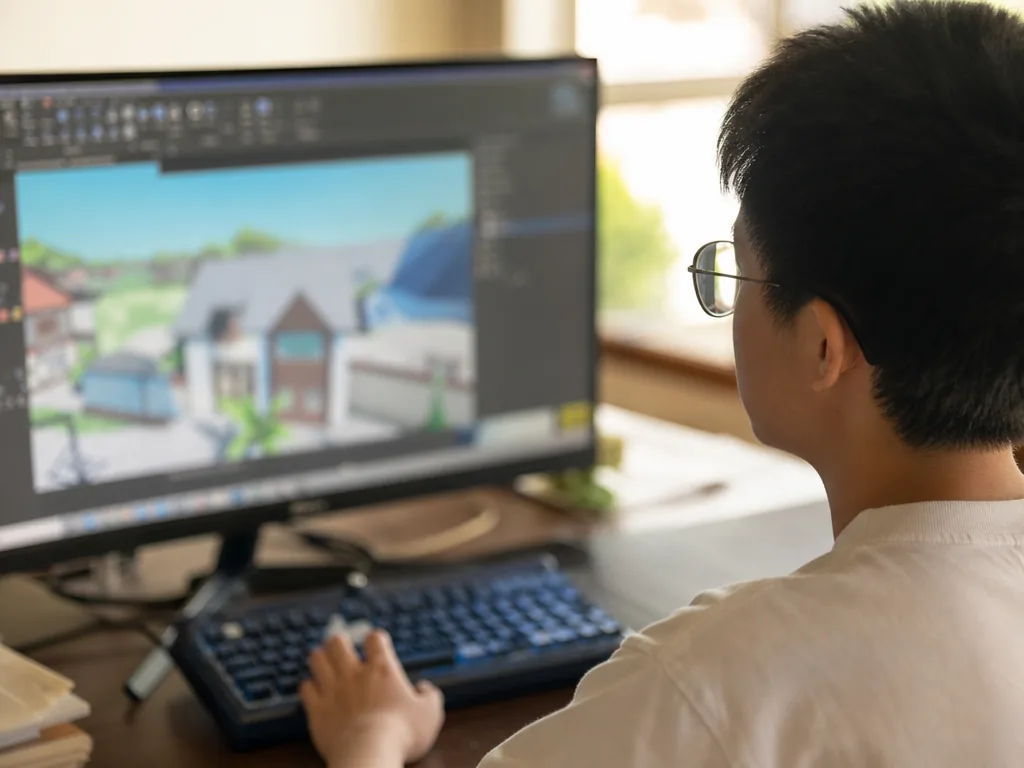
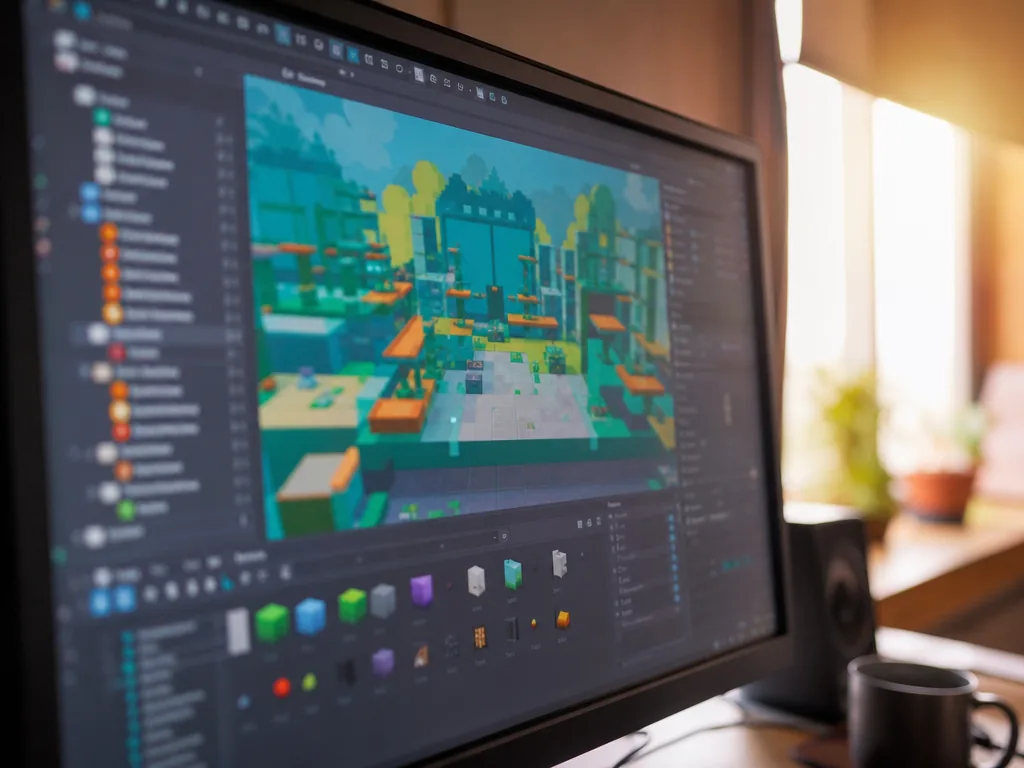
Roblox Studio is a free development environment for designing, programming, and testing games. It provides graphical design tools that allow developers to create objects, characters, terrain, and various interactive elements in the virtual world.
Roblox Studio supports two main programming approaches: Lua (for scripting) and its built-in graphic design tools (for creating game maps and other elements).
Lua Programming Language
Lua is the programming language used in Roblox to write game logic, interactions, and other features. It is a lightweight, efficient scripting language that is well-suited for creating dynamic game worlds.
Developers need to learn basic Lua syntax and functions to control game objects, characters, and interactive elements, and to implement game logic and features.
Game Element Creation
- Object and character modeling — developers can create various in-game objects and characters using the modeling tools built into Roblox Studio, or by purchasing ready-made resources from the marketplace.
- Environment design — designing the game environment is an important part of development. Roblox Studio provides powerful map design tools for creating terrain, roads, buildings, and various interactive areas.
- Physics engine — objects in Roblox games are usually affected by the physics engine, such as gravity, collision, and bounce, which can make the game more realistic and interesting.
How to Create a Game with Roblox Studio
Launch Roblox StudioStep 1
Developers must first register an account on the Roblox platform and download Roblox Studio. They then launch Studio and select a template to create a new game.
Studio offers a variety of templates — such as Blank, Racing, and Shooter — allowing developers to choose the one that best suits their needs.
Design the Game SceneStep 2
Using the “Explorer” and “Properties” panels in Roblox Studio, developers can easily set up and edit scene objects in the game.
You can drag objects into the workspace and adjust their size, color, material, and other properties as needed.
Writing a ScriptStep 3
Use Lua to write game logic. For example, developers can write scripts to control the player’s movement, interaction with objects, enemy behavior, and even the reward system.
A developer might write a script that triggers certain events when the player enters a certain area, or unlocks a new level when the player reaches a certain score.
Test the GameStep 4
In Roblox Studio, developers can use the “Play” function to test the game’s operation, allowing them to find and correct errors or imbalances in a timely manner.
Roblox Studio can also simulate player interactions, letting developers test different aspects of their games — including interactions in multiplayer games.
Release the GameStep 5
Once the game is complete, developers can publish it on the Roblox platform to share it with players around the world.
After release, developers can maintain its appeal through game updates and the addition of new features.
Advanced Roblox Programming Techniques
Creating a Multiplayer Game
Roblox supports multiplayer game development, allowing developers to design interactive game scenarios and create competitive or cooperative elements between players. Using Lua scripts, you can set up connections, interactions, and team-formation systems.
For example, a developer could create a tournament game where players compete for rankings or awards.
AI (Artificial Intelligence) Programming
Using Lua, developers can create simple artificial intelligence to control non-player characters (NPCs) in the game. These NPCs can have their own behavioral logic, such as patrolling, attacking, or talking to players.
For example, an enemy’s AI might track the player based on their position, or trigger an attack behavior when the player gets close.
Virtual Currency and Economic System
Developers can set up a virtual currency system in the game, allowing players to earn currency through in-game behavior and use it to purchase virtual items or unlock new features.
In a role-playing game, for example, players can earn coins to purchase weapons, equipment, or special skills.
User Interface (UI) Design
Developers can design customized game interfaces, including health bars, score displays, and chat systems. Through Lua scripts, developers can set the dynamic display and interactive functions of UI elements.
For example, a developer could design a leaderboard that updates as players reach new achievements.
Learning Resources & Community Support
- Roblox Developer Documentation — the official Roblox website provides a wealth of learning resources, including tutorials, API documentation, and sample scripts, to help developers get started quickly and improve their programming skills.
- Roblox Developer Community — Roblox has an active developer community where developers discuss issues, share experiences, and seek help from others in the forum; members can also publish game resources such as models and plugins for other developers to use.
- Online Courses and Tutorials — many websites and educational platforms offer online courses specifically for Roblox game development, typically covering basic to advanced knowledge to help learners master programming skills and create their own games.
Conclusion: Why Learn Roblox Coding?
Creating and programming games on Roblox is not only a fun activity but can also be a valuable skill — especially for young people interested in pursuing a career in game development or programming.
With Roblox’s widespread reach, developers can share their creations globally and earn income through their games.
Learning Roblox programming provides opportunities for innovation, collaboration, and problem-solving — benefiting both personal development and future career planning.
Frequently Asked Questions (FAQ)
Q: Is Roblox Studio free to use?
Yes. Roblox Studio is a free development environment — you only need a free Roblox account to download it and start building. Publishing and playing games is free as well.
Q: What programming language does Roblox use?
Roblox uses Lua, a lightweight and efficient scripting language, for writing game logic, interactions, and features. Built-in graphic design tools handle maps and other visual elements.
Q: Can children learn Roblox coding as a first programming language?
Yes. Lua’s simple syntax makes Roblox a popular first step into coding. Learners start with small scripts and gradually build up to full game logic, which teaches problem-solving and computational thinking.
Q: Can developers earn money from Roblox games?
Yes. Developers can set up virtual currencies and in-game purchases, and successful games can generate real income as they reach players around the world.
Further Resources & Next Steps
- Official Resources — visit the Roblox Developer Hub for the official documentation, tutorials, and API reference.
- Further Reading — explore Roblox’s official education resources and beginner Lua courses to build a structured learning path.
- Parent Tips — set up account safety and parental controls, and encourage small project-based goals so learners stay motivated.
Note: The information above is for reference only. Please consult professional education institutions for details.
This article was initially drafted and organised with AI. Editor / Professor Chan Kwok-wai; Managing Editor / Kong Yee-leung
Act Now: Find a Tutor / Register as a Tutor
For parents & students: looking for a home or online tutor for this subject? Click the button below to post a free tuition case (subject, level and preferred time) — TutorZone will match you with suitable tutors:
For tutors: do you teach this subject? Click the button below to register for free and receive more suitable cases — you pay only when a match is made: