 中文(繁體)
 中文(简体)
 English



What is Photoshop?
TUTORZONE SUBJECT GUIDE · COMPUTER
Adobe Photoshop is the world’s leading image-editing and processing software — the indispensable standard for digital imaging, visual design, and photographic retouching since its first release in 1988. Here is a complete guide to what it is, what it can do, and why every creative professional learns it.
Direct Answer:What is Photoshop?
Adobe Photoshop is the world’s leading image-editing software, standard for digital imaging, visual design, and photographic retouching since 1988.
Share this paper / article:
WhatsApp
Facebook
Telegram
Email
WeChat / Xiaohongshu: tap “Copy link” and paste.
What Is Photoshop?
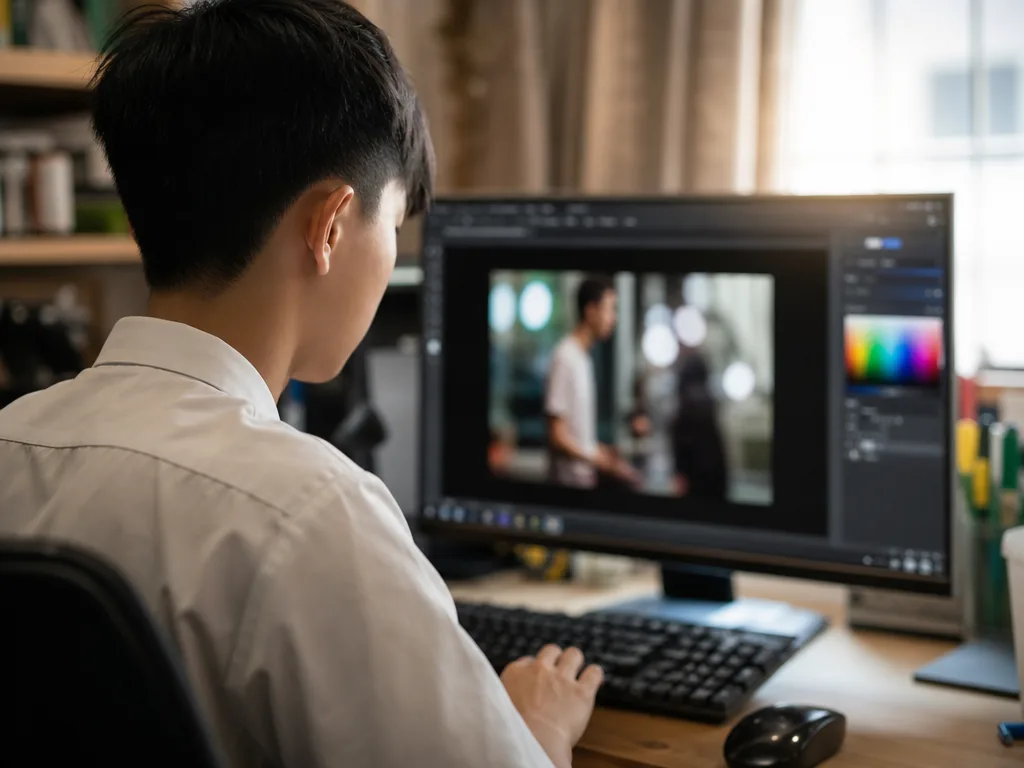
Adobe Photoshop (or PS for short) is a world-leading image editing and processing software developed by Adobe Systems. Since its initial release in 1988, Photoshop has become an indispensable standard tool for digital image processing, visual design, and photographic retouching.
Whether you are a professional designer, a photographer, or a complete beginner, almost everyone has come into contact with and uses Photoshop for their creative work.
Whether professional designers, photographers, or beginners — almost everyone has used Photoshop for creative work.
Photoshop’s Core Features
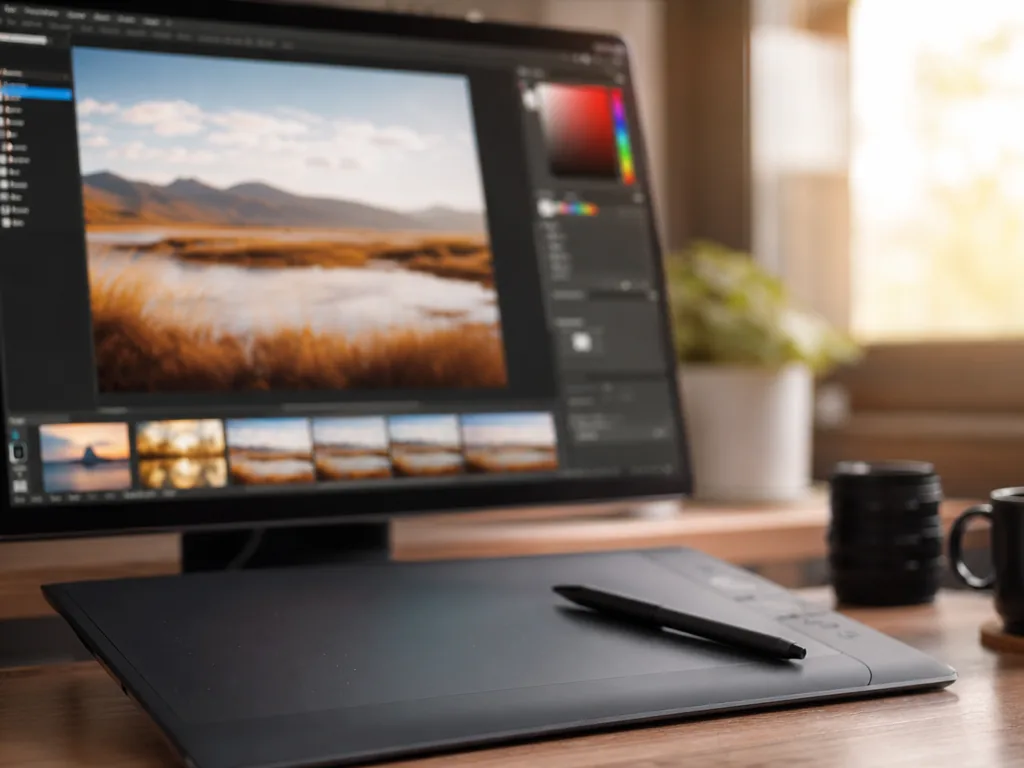
Image Editing and Retouching
- Adjust brightness, contrast, saturation, and hue.
- Remove blemishes, touch up images, and remove red-eye.
- Supports high-precision image synthesis and editing.
Layer System
- Allows users to layer images, making it easier to control each element and achieve complex synthesis.
- Includes advanced features such as adjustment layers, masks, smart objects, and more.
Selections and Masks
- Precisely select image areas using the Lasso tool, Magic Wand, Quick Selection, and other techniques.
- Use masks for non-destructive editing and fine control.
Filters and Effects
- Contains many filter effects such as blur, sharpen, render, distort, texture, and more.
- Quickly apply creative effects using the Filter Gallery.
Typography
- Provides a rich variety of fonts and typesetting tools, suitable for graphic design, web design, advertising design, and other scenarios.
- Supports various effects such as text styles, paragraph layout, curved text, and more.
Digital Painting
- With support for digital brushes and pressure-sensitive pens, Photoshop has become an important tool for digital artists to create illustrations and concept art.
Color Management and Correction
- Supports ICC color profiles and professional printing color standards (such as CMYK and Pantone) to ensure consistency between digital and printed content.
Smart Tools (AI-Powered Functions)
- Includes AI technologies such as Content-Aware Fill, the Object Selection Tool, and Automatic Sky Replacement to improve editing efficiency.
Main Application Areas
Photo Retouching
Correct exposure, adjust color, remove backgrounds, beautify skin, and composite images.
Visual Design
Create website designs, social media assets, advertising posters, business cards, and packaging designs.
Illustration & Digital Art
Create character designs, concept art, and comics with professional brush tools.
UI/UX Design
Design mobile app interfaces, web interfaces, and interactive prototypes.
Video Editing Support
Create movie title screens, subtitle animations, and frame editing (basic functions).
Print & Publishing
Image processing and typesetting for magazines, books, product catalogs, newspapers, and other publications.
Common File Formats in Photoshop
| Format | Description |
|---|---|
| PSD | Photoshop’s exclusive format, retaining all layers, special effects, and text information. |
| JPEG | The most common image output format, suitable for network transmission and storage. |
| PNG | Supports transparent background image formats, widely used in web design. |
| TIFF | A high-quality lossless format often used for printed output. |
| GIF | Supports simple animations and transparent colors, but the number of colors is limited. |
Photoshop Versions
Photoshop CC (Creative Cloud)
Subscription-based access to the latest features and cloud storage integration.
Photoshop Elements
The simplified version designed for the home and beginner market, with relatively basic functions.
Photoshop Express
A mobile app that provides basic editing and filter functions, suitable for quick sharing.
Photoshop vs Other Design Software
| Feature | Photoshop | Illustrator | Lightroom |
|---|---|---|---|
| Main Applications | Image editing and synthesis | Vector graphics and logo design | Photography post-production and batch processing |
| File Type | Raster | Vector | Bitmap (focused on photos) |
| Suitable For | Photographers, designers, artists | Brand designers and illustrators | Photography enthusiasts and professional photographers |
Why Learn Photoshop
Photoshop is more than just an image processing software; it is the standard for the global digital creative industry. Whether you are looking to enhance your photography, create stunning social media posts, or produce professional-quality commercial designs, learning Photoshop is essential.
In today’s digital marketing, branding, and creative industries, Photoshop skills have become essential for designers, marketers, and content creators.
Photoshop is more than image-processing software — it is the standard for the global digital creative industry.
Frequently Asked Questions (FAQ)
Q: Is Photoshop hard for beginners to learn?
It has a steep initial learning curve, but beginners can start with basic retouching tools and build up gradually. The simplified Photoshop Elements version is a gentler starting point for home users.
Q: What is the difference between Photoshop and Illustrator?
Photoshop edits raster (pixel-based) images and is best for photo retouching and compositing, while Illustrator works with vector graphics and is best for logos and scalable designs.
Q: Which format should I use — JPEG, PNG, or TIFF?
Use JPEG for everyday photos and web sharing, PNG when you need a transparent background, and TIFF for high-quality, lossless print output.
Q: Do I need Photoshop CC, or are the mobile and simplified options enough?
Photoshop CC gives you the full feature set plus cloud storage. Photoshop Express (mobile) is fine for quick, basic edits and sharing, while Photoshop Elements suits hobbyists who want desktop power at a lower cost.
Further Resources & Next Steps
- Official Resources — Adobe’s official Photoshop help, tutorials, and the Adobe Creative Cloud learning hub.
- Further Reading — The “Adobe Photoshop Classroom in a Book” series offers structured, project-based learning for every skill level.
- Parent Tips — Support younger learners by encouraging small creative projects (posters, school-event graphics, social posts) so Photoshop skills develop through real, motivating tasks.
Note: The information above is for reference only. Please consult professional education institutions for details.
This article was initially drafted and organised with AI. Editor / Professor Chan Kwok-wai; Managing Editor / Kong Yee-leung
Act Now: Find a Tutor / Register as a Tutor
For parents & students: looking for a home or online tutor for this subject? Click the button below to post a free tuition case (subject, level and preferred time) — TutorZone will match you with suitable tutors:
For tutors: do you teach this subject? Click the button below to register for free and receive more suitable cases — you pay only when a match is made: