
 中文(繁體)
 中文(简体)
 English



What is SketchUp?
TUTORZONE SUBJECT GUIDE · COMPUTER
SketchUp is a 3D modeling and design software developed by Trimble, famous for being easy to learn and use. From architecture and interior design to engineering planning and 3D printing, it is one of the most popular 3D tools in the world.
Direct Answer:What is SketchUp?
SketchUp is a 3D modeling and design software by Trimble, known for being easy to learn and used in architecture, design, engineering, and 3D print。
Share this paper / article:
WhatsApp
Facebook
Telegram
Email
WeChat / Xiaohongshu: tap “Copy link” and paste.
What Is SketchUp?
SketchUp, a 3D modeling and design software developed by Trimble, is renowned for its ease of use and learning. It is widely used in architecture, interior design, landscape architecture, engineering planning, urban design, and 3D printing.
With its intuitive interface and robust plugin support, SketchUp has become one of the world’s most popular 3D modeling tools.
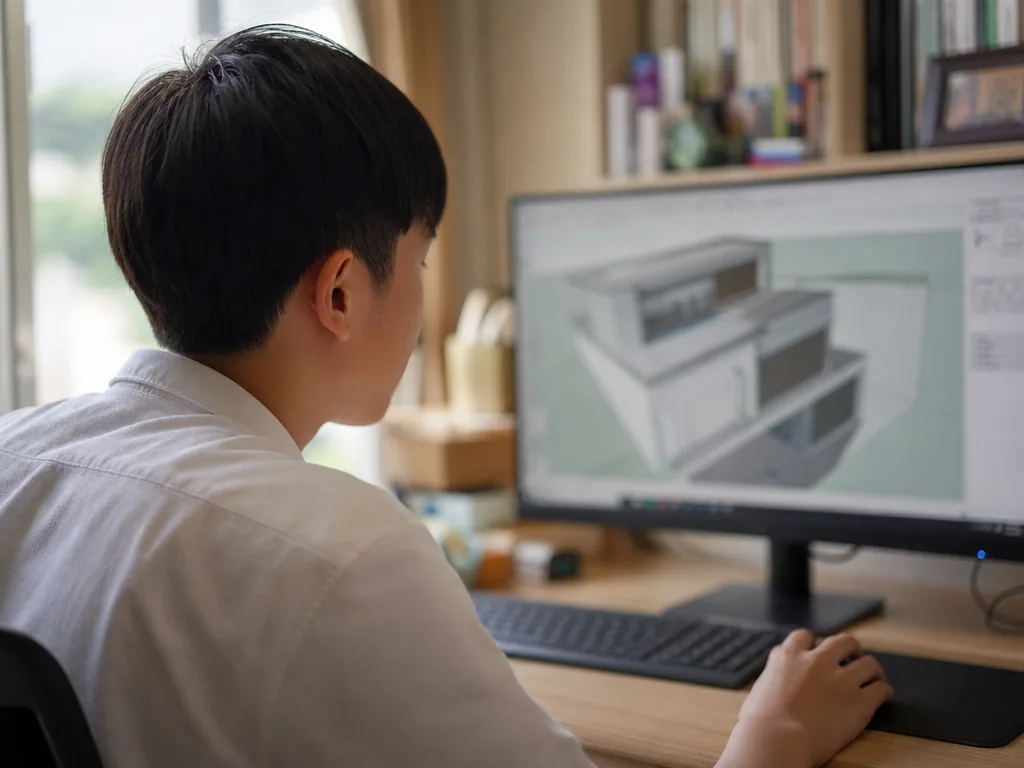
Click and stretch — and a 3D model takes shape before your eyes.
Key Features of SketchUp
1. Intuitive User Interface
- Simply click and stretch with your mouse to quickly create a 3D model.
- The toolbar is clearly designed and has a gentle learning curve, making it suitable for both beginners and professionals.
2. Powerful Push/Pull Tool
- SketchUp pioneered the “push-pull modeling technology”, which can easily convert 2D planes into 3D structures.
- It greatly simplifies the traditional, complicated modeling process.
3. Accurate Modeling and Annotation
- Supports precise size control, angle setting, and proportional measurement.
- Provides complete dimensioning and text annotation tools to facilitate the production of engineering documents and reports.
4. Rich 3D Model Resource Library (3D Warehouse)
- Free access to the world’s largest 3D model sharing platform, with millions of free models (buildings, furniture, devices, mechanical parts, and more) available for download.
5. Enhanced Extensions
Through official or third-party developed plugins (Extensions), users can add:
- Light and shadow simulation
- Parametric modeling
- Animation production
- Rendering output (such as V-Ray and Enscape)
- BIM integration
6. Multi-Platform Support
- Windows and Mac versions are available.
- There is also an online version (SketchUp for Web) that can be used directly in the browser without installation.
7. Compatible with Various File Formats
- Supports import and export of DWG, DXF, OBJ, 3DS, STL, and other formats, facilitating integration with other CAD, BIM, or 3D printing tools.
SketchUp’s Main Application Areas
| Field | Application Examples |
|---|---|
| Architectural Design | 3D modeling and visualization of houses, commercial buildings, and public buildings. |
| Interior Design | Interior space planning, furniture configuration, and lighting effect simulation. |
| Landscape Architecture | Design and simulation of parks, gardens, and urban landscapes. |
| Urban Planning | Community development, transportation facilities, and public space planning. |
| Industrial Design | Mechanical parts and product appearance design. |
| 3D Printing | Create STL files for printing and quickly convert designs into physical objects. |
| Game and Animation Scene Design | Simple scene construction and conceptualization of scene layout. |
SketchUp Major Versions
SketchUp Free
Free version, used in the browser, suitable for beginners and simple model construction.
SketchUp Go
Mobile version, suitable for modeling and modification on iPad or mobile devices.
SketchUp Pro
The fully functional version provides advanced modeling, 2D file creation (Layout), and extended plug-in support. It supports export to various formats, suitable for professional designers and corporate users.
SketchUp Studio
The advanced version includes professional rendering tools (such as V-Ray) and point cloud data processing capabilities, suitable for large-scale projects and BIM projects.
SketchUp vs Other 3D Modeling Software
| Software | Features | Suitable For |
|---|---|---|
| SketchUp | Intuitive operation, rapid modeling, and rich community resources | Architects, designers, beginners |
| AutoCAD | Accurate 2D drawing and engineering drawing standards | Engineers and technical designers |
| Revit | Focus on BIM modeling and building information management | Construction engineering teams |
| Blender | Free, open source, supports animation and special effects | 3D animators and game designers |
| 3ds Max | Advanced modeling and animation rendering | Professional CG artists |
Why Choose to Learn SketchUp?
Get Started Quickly
Produce drawings immediately — ideal for professionals and students who need to express spatial concepts fast.
Huge Market Demand
It is designated by many construction, interior design, and landscape companies.
Flexible and Extensible
Whether it’s simple modeling and animation, or integrating BIM, rendering, and 3D printing, SketchUp can handle it all.
Rich Community and Learning Resources
Millions of users around the world share models, tutorials, and plug-ins, with a low learning threshold and continuous updates.
Summary
SketchUp is a 3D modeling software that combines ease of learning with powerful professional features. Whether you’re a student new to architectural design, a designer looking to plan interiors, or a professional engineer needing to quickly conceptualize and present your work, SketchUp is an indispensable and powerful tool.
With the development of cloud-based versions and AR/VR technology, SketchUp’s applications will become even more extensive and diverse in the future, making it a worthwhile investment to learn and master.
Frequently Asked Questions (FAQ)
Q: Is SketchUp free to use?
Yes — SketchUp Free runs in the browser at no cost and is perfect for beginners. Paid tiers (Go, Pro, and Studio) add more advanced features for professional work.
Q: Is SketchUp suitable for beginners with no 3D experience?
Absolutely. Its click-and-stretch interface and gentle learning curve make it one of the easiest 3D tools to pick up, while still offering enough depth for professionals.
Q: Can SketchUp files be used for 3D printing?
Yes. SketchUp can export STL files, the standard format for 3D printing, letting you turn a digital design into a physical object.
Q: Does SketchUp work on Mac and mobile devices?
Yes. Desktop versions are available for Windows and Mac, SketchUp Go serves iPad and other mobile devices, and SketchUp for Web runs directly in any browser.
Further Resources & Next Steps
- Official Resources——The official SketchUp website (sketchup.com), its Help Center, and the free 3D Warehouse model library.
- Further Reading——SketchUp’s beginner tutorials and the SketchUp Fundamentals course on its official learning portal.
- Parent Tips——Encourage hands-on projects such as modelling a bedroom or a school building, and let children explore the free SketchUp for Web before committing to a paid plan.
Note: The information above is for reference only. Please consult professional education institutions for details.
This article was initially drafted and organised with AI. Editor / Professor Chan Kwok-wai; Managing Editor / Kong Yee-leung
Act Now: Find a Tutor / Register as a Tutor
For parents & students: looking for a home or online tutor for this subject? Click the button below to post a free tuition case (subject, level and preferred time) — TutorZone will match you with suitable tutors:
For tutors: do you teach this subject? Click the button below to register for free and receive more suitable cases — you pay only when a match is made: