 中文(繁體)
 中文(簡體)
 English



Hong Kong Junior Secondary ICT Syllabus: Modules, Assessment and Study Tips
TUTORZONE SUBJECT GUIDE · HONG KONG JUNIOR SECONDARY ICT SYLLABUS
The Hong Kong junior secondary ICT syllabus (Information and Communication Technology, S1 to S3) introduces students to how computers work, how programs are written, how networks and the internet carry information, and how to use digital tools responsibly. It is a school-based subject: marks come from classwork, tests and project work rather than a public examination, so steady practice across the three years matters far more than a single final revision sprint.
Direct Answer:What is junior secondary ICT in Hong Kong?
Junior secondary ICT is the S1–S3 subject in which students learn computer systems and software, algorithms and programming (usually starting with block-based tools such as Scratch and moving to Python), networks and communication technology, data handling and information literacy, together with cyber security and digital citizenship. It sits under the Technology Education Key Learning Area and is assessed by schools through assignments, tests and projects.
What Is the Hong Kong Junior Secondary ICT Syllabus?
Information and Communication Technology, usually shortened to ICT, is the junior secondary subject that teaches students how digital technology actually works rather than only how to use it. Across S1 to S3 the emphasis moves from operating devices confidently, to writing short programs, to understanding how data travels across networks and how to handle it responsibly.
Because the subject is practical, the syllabus is written around doing: a student who can explain a loop but cannot debug one will lose marks in a project, and a student who can recite the definition of a firewall but has never configured a strong password has not really covered the information literacy strand. The three goals below describe what the subject is trying to build.
Core knowledge
Computer systems and software, networks and communication technology, algorithms and programming, data management, and the ethics of handling information.
Cross-curricular thinking
ICT is deliberately linked to mathematics, science and languages, so students apply digital tools to real problems in other subjects instead of learning software in isolation.
School-based assessment
Marks come from classwork, tests and project work, including programming or design projects set during the term.
What the Curriculum Covers
Most schools organise the three years around four strands. The exact sequencing differs from school to school, but the content below appears in almost every junior secondary ICT programme.
Computer systemsHardware, software and operating systems
Hardware and software structure — students learn the basic architecture of a computer, what the operating system does, and how files, folders and storage are managed.
Digital devices — comfortable operation of computers, tablets and phones, plus everyday productivity tools for documents, spreadsheets and presentations.
Programming and algorithmsFrom Scratch to Python
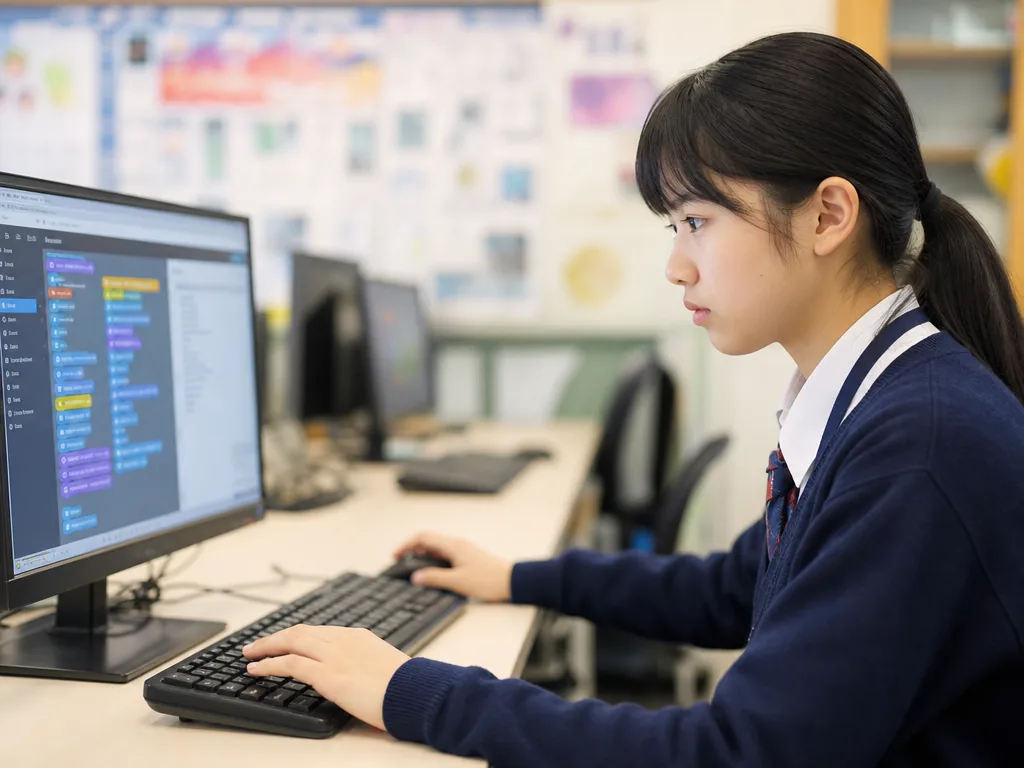
Programming basics — most schools begin with a block-based language such as Scratch so that sequencing, loops and conditions are visible, then move to a text-based language such as Python.
Logical thinking and problem solving — programming is the vehicle, not the destination: students learn to break a problem into steps, test a solution and fix what fails.
Networks and communicationHow data travels, and how it is protected
Network structure and protocols — local area networks, wide area networks and the internet, and what a protocol is doing when a page loads.
Cyber security and ethics — protecting personal data, the idea of a digital footprint, and the responsibilities of digital citizenship.
Data management and creationHandling data and presenting it
Data processing and analysis — sorting, filtering and charting data so that a conclusion can be drawn from it rather than merely displayed.
Digital creation — building simple websites, small applications or multimedia work, which is usually where project marks are earned.
How Students Are Assessed
Junior secondary ICT has no public examination. Each school sets its own weighting, and that is precisely why students should read the subject outline in week one: the split between coursework, tests and projects is decided school by school.
Classwork and tests
Homework and short tests check whether the basic concepts are secure, and they reward consistent effort rather than last-minute cramming.
Project work
Students normally complete at least one project per year — a small website, an application or a multimedia piece. Projects are marked on creativity, technical execution and how well the problem was solved, which is why a working but undocumented project often scores lower than a simpler well-explained one.
End-of-term assessments
Written papers usually test technical vocabulary, programming logic (often by tracing what a short piece of code does) and network concepts, alongside practical tasks done at the computer.
Study Strategies That Actually Work
4.1 Learn programming by building
Climb the ladder — start in a block-based environment such as Scratch, then rewrite the same small program in Python. Seeing the same logic in two syntaxes is the fastest way to understand that the idea and the code are different things.
Practise debugging, not just writing — take a working program, break one line deliberately, and predict the error before running it. Tracing and debugging are what written papers actually test.
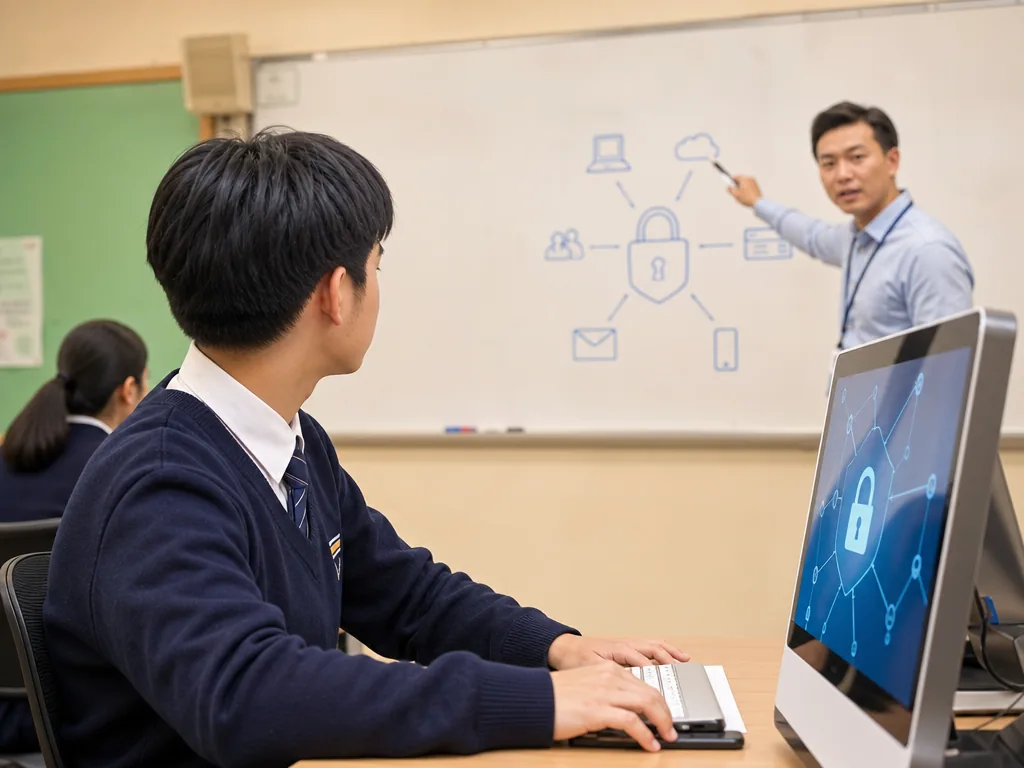
4.2 Cyber security and data protection
Learn the vocabulary with examples — encryption, firewalls and malware protection are easier to remember attached to one concrete story each than as a list of definitions.
Make privacy a habit — password managers, two-factor authentication and checking a link before clicking are behaviours, and they are examined through scenarios rather than slogans.
4.3 Design thinking and presentation
Start from the user — before building, write one sentence describing who the program or page is for and what they need to do. Projects that answer a real need are marked more generously than features stacked without purpose.
Link it to another subject — charting data from a science experiment or building a quiz for vocabulary revision turns ICT practice into revision for two subjects at once.
Common Difficulties and How to Break Through
5.1 Programming concepts feel abstract
Breakthrough: draw the logic on paper before typing. If a student cannot say out loud what a loop repeats and when it stops, the code will not work however many times it is retyped.
5.2 Security and privacy topics blur together
Breakthrough: study them in stages, starting with password management, then network protection, then legal and ethical responsibilities, attaching one real incident to each stage.
5.3 Data analysis is weak
Breakthrough: practise with tools students already have, such as Excel or Google Sheets. Answer one question per dataset — which category is highest, and by how much — instead of formatting the table.
Time Management Across Three Years
Weekly rhythm
Theory in small doses — ten to fifteen minutes of vocabulary and concept review on a fixed day beats a long session before a test.
One build per month — a small finished program or one cleaned-up dataset each month keeps practical skill alive, and those artefacts become project material later.
Before a project deadline
- Split the work into build, test and write-up, and finish the build a week before the deadline so a failed test is not fatal.
- Keep a short log of what was tried and changed; it is the easiest evidence for the process marks that schools award.
- Rehearse the explanation as carefully as the demonstration — most project marks include describing how it works.
How Parents Can Support ICT Learning at Home
Set the conditions rather than supervise every keystroke
Agree a regular block of screen time for schoolwork and keep it separate from entertainment time, so that “using the computer” does not blur into leisure. Model the security habits being taught: device passcodes, two-factor authentication and a family rule about what is never shared online.
Ask about the project, not the marks
“Who is this for?” and “what happens if you type the wrong number?” invite a student to explain their logic, which is exactly the skill being assessed. Parents do not need to understand Python to ask a good question about a project.
When extra help is worth it
ICT difficulties are usually specific rather than general — one student cannot read error messages, another cannot see why a loop never ends. A few sessions targeted at that single gap is more efficient than a full year of general tuition, and it is worth asking a tutor to diagnose first rather than teach from the beginning.
Pathways After Junior Secondary ICT
8.1 Senior secondary and university
At senior secondary the subject continues as DSE Information and Communication Technology, which becomes a public-examination subject with compulsory and elective parts. Beyond that, related degrees include computer science, information engineering, electronic engineering, data science and digital media.
8.2 Career directions
- Information technology — software engineer, web developer, systems analyst.
- Cyber security — security specialist, data protection consultant.
- Data science — data analyst, data scientist.
- Creative industries — digital media designer, game developer, interaction designer.
Frequently Asked Questions (FAQ)
Q: Is junior secondary ICT the same subject as DSE ICT?
No. Junior secondary ICT is a school-based S1–S3 subject assessed internally, while DSE ICT is a senior secondary public-examination subject with Paper 1, Paper 2 and School-based Assessment. The junior secondary course builds the vocabulary and programming habits that the DSE course assumes.
Q: Does my child need strong maths to learn programming?
Not at this level. Junior secondary programming needs sequencing, conditions, loops and careful testing rather than advanced arithmetic. Comfort with logical order matters far more than calculation speed.
Q: Which language should a beginner start with?
Start with a block-based language such as Scratch so the logic is visible, then move to Python once loops and conditions are secure. Beginning in a text-based language is possible, but most students debug faster when the structure is drawn rather than typed.
Q: How much screen time should ICT homework take?
Short and regular is better than long and occasional. Two or three focused sessions a week, each long enough to finish one small task and test it, keep practical skills current without crowding out other subjects.
Further Resources and Next Steps
- Official resources — the Hong Kong Education Bureau’s Technology Education Key Learning Area pages set out the curriculum framework: edb.gov.hk.
- Further reading — Scratch and Python beginner textbooks, and an introductory cyber security guide aimed at secondary students.
- Parent tip — encourage a coding workshop or a school hackathon; project-based learning is where the practical marks are won.
Note: The information above is for reference only. Please consult professional education institutions for details.
This article was initially drafted and organised with AI. Editor / Professor Chan Kwok-wai; Managing Editor / Kong Yee-leung
Act Now: Find a Tutor / Register as a Tutor
For students and parents: Looking for a face-to-face or online tutor for this subject? Press the button below to post your case free of charge with the subject, level and preferred times, and TutorZone will match you with suitable tutors:
For tutors: Do you teach this subject? Press the button below to register free of charge, receive more suitable cases, and pay only after a successful match:
Direct Answer:Is junior secondary ICT examined by a public test?
No. Junior secondary ICT is assessed by the school, normally through classwork, short tests and at least one project each year. Because the weighting is set locally, the subject outline handed out at the start of the year is the authoritative source for how marks are split in that school.
Direct Answer:What should a student be able to do by the end of S3?
By the end of S3 a student should be able to explain how a computer and a network carry out a task, write and debug a small program in a text-based language, organise and interpret a dataset, and describe the security and ethical responsibilities that come with handling other people’s data.